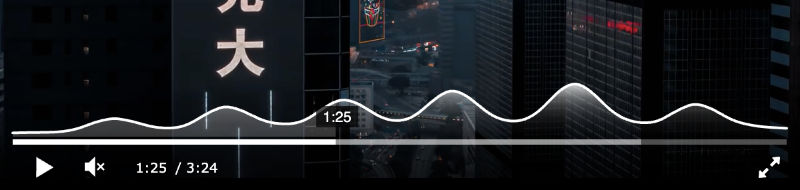
Waveform visualization Üzgünüz, bu makale İngilizce olarak mevcuttur You can show additional context in the player (sound intensity, heatmap, user attention, etc.) using the data visualization plugin. The graph will be displayed above the timeline:
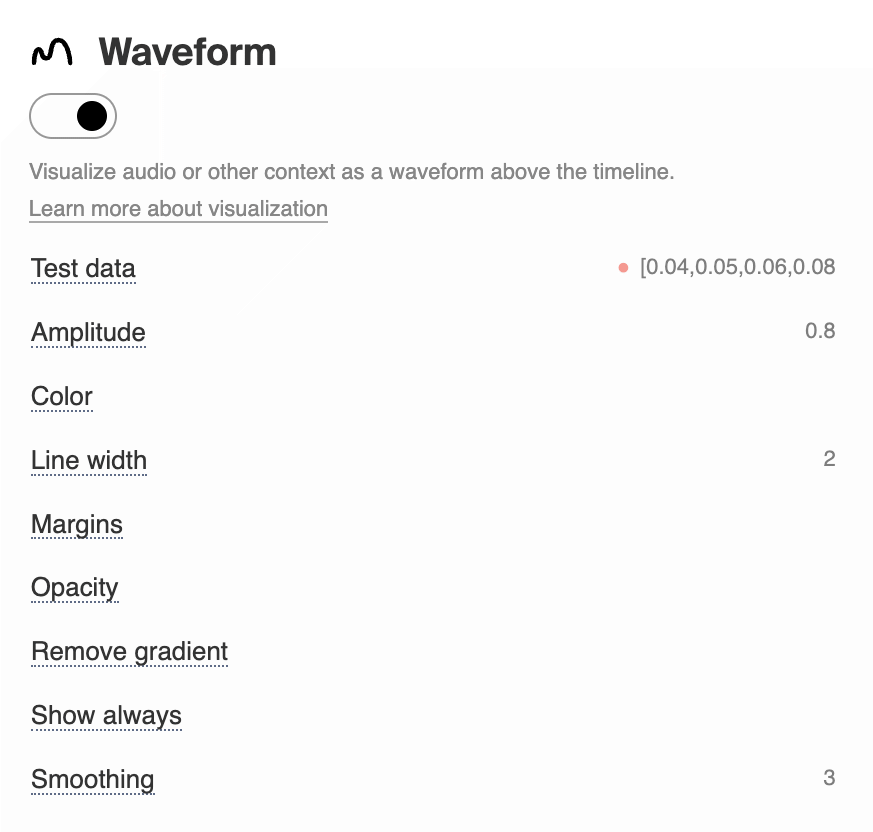
Enable the
Specify the data in the waveform:[0.04,0.05,0.06,0.08,0.07,0.06,0.05,0.06,0.08,0.12,0.18,0.24,0.30,0.36,0.29,0.22,0.18,0.15,0.13,0.12,0.11,0.10,0.12,0.16,0.23,0.34,0.48,0.60,0.52,0.40,0.31,0.25,0.21,0.19,0.18,0.17,0.16,0.18,0.22,0.30,0.42,0.58,0.72,0.65,0.51,0.39,0.31,0.26,0.22,0.20,0.19,0.21,0.28,0.40,0.55,0.74,0.88,0.80,0.63,0.48,0.36,0.28,0.24,0.22,0.20,0.19,0.21,0.27,0.38,0.54,0.73,0.90,1.00,0.86,0.67,0.50,0.37,0.29,0.24,0.21,0.19,0.18,0.17,0.19,0.25,0.36,0.50,0.66,0.58,0.44,0.33,0.26,0.22,0.19,0.17,0.15,0.14,0.13,0.12,0.11] By default, the graph will appear when you hover the cursor over the rewind line or when tapped on mobile devices. In the settings you can enable constant display, change colors, smoothing etc. Example from the skins library: You can see how this works using video and audio templates as an example. Where to get dataData for audio visualization can be obtained from files using the ffmpeg utility. You can download this php script that processes mp3 and produces an array of a given number of points. Playback and seek data are required to generate the heatmap -‒ you can collect it via JS API. |